
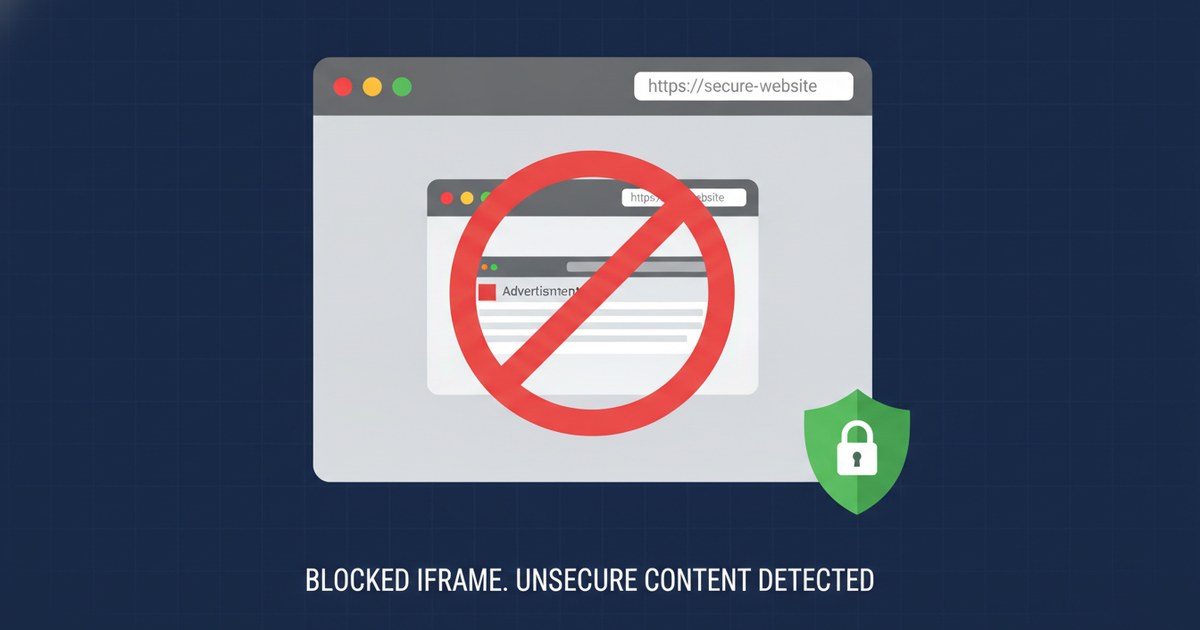
X-Frame-Options vs frame-ancestors Explained
Picture your login page loaded inside an invisible iframe, stacked directly on top of a button on someone else's site that says "Claim Your Free Gift." You click what you think is the gift button. You've actually clicked "Delete Account" on the real page underneath, because the attacker's page was just a decoy with your site framed on top of it, made transparent. That's clickjacking, and X-Frame-Options is the header built to stop it by telling browsers whether your page is allowed to load inside a frame at all.
If you ran a scan on securityheaders.tools and got flagged for missing framing protection, this is the header (or its modern companion) you're missing. Let's sort out what it actually does, where it breaks, and why the "is it deprecated" question keeps coming up in browser compatibility tables.
What X-Frame-Options Does and How It Works
X-Frame-Options is an HTTP response header that tells a browser whether a page may be displayed inside a frame, iframe, embed, or object element on another page. It was formalized in RFC 7034, published in October 2013 by engineers at Microsoft and HP. Worth noting: RFC 7034 is an Informational RFC, not a standards-track one. That distinction matters later, when we get to the deprecation question.
The header takes exactly three values, and only three. There's no wiggle room here:
DENY- the page can never be framed, by anyone, including your own domain.SAMEORIGIN- the page can only be framed by a page that shares the same origin.ALLOW-FROM <origin>- the page can be framed by one named origin. This value is dead. No current version of Chrome, Firefox, or Safari implements it, and if a browser doesn't recognize a header value, it typically drops the whole header rather than guessing. We'll come back to this in the FAQ, because it's the single most common support ticket tied to this header.
Here's the header sent from an Apache server using mod_headers, in a site's .htaccess file or virtual host config:
Header always set X-Frame-Options "SAMEORIGIN"The always keyword matters more than it looks. Without it, mod_headers only sends the header on successful (2xx and 3xx) responses by default in some configurations, which means your 403 and 404 error pages ship unprotected. always forces the header onto every response Apache sends, including error pages, which is exactly where an attacker is more likely to try framing something unexpected. If you're building this block by hand, htaccess.tools has a generator that writes the exact Apache syntax for you, which saves you from the classic typo of forgetting the closing quote and taking down the whole vhost.
What CSP frame-ancestors does (and why it replaced ALLOW-FROM)
Content-Security-Policy's frame-ancestors directive does the same job as X-Frame-Options, but with syntax that actually scales. It's a directive inside the broader Content-Security-Policy header, and it has been Baseline (supported across all major browsers) since January 2018, according to MDN's frame-ancestors documentation.
Where X-Frame-Options gives you three fixed values, frame-ancestors takes a source list, meaning you can name as many trusted framing origins as you actually have:
Content-Security-Policy: frame-ancestors 'self' https://partner.example.com https://widget.example.orgBreaking that line down: 'self' allows your own origin to frame the page, exactly like SAMEORIGIN. Each additional entry is a full origin (scheme plus host, optionally a port) that's also allowed to frame it. You can also use 'none', which behaves like DENY and blocks framing entirely, from anywhere, including your own site.
One thing that trips up almost everyone the first time: neither header works as a <meta http-equiv> tag. Both must be sent as a real HTTP response header, set by your server or application. A meta tag version of either header does nothing. If your CMS plugin swears it "adds X-Frame-Options" through a meta tag, it's lying to you, gently.
DENY vs SAMEORIGIN vs frame-ancestors: which one do you actually need
Most beginner confusion collapses once you see the options side by side:
| Situation | Header value | What it allows |
|---|---|---|
| Page should never appear in a frame anywhere | X-Frame-Options: DENY | Nothing. No framing, period, not even by your own site. |
| Page can be framed only by pages on the exact same origin | X-Frame-Options: SAMEORIGIN | Same scheme, same host, same port. Nothing else. |
| Page can be framed by one or more specific trusted sites | Content-Security-Policy: frame-ancestors https://partner.example.com | Only the listed origins. ALLOW-FROM tried to do this and failed; frame-ancestors is the working replacement. |
| Page should never be framed, and you want the modern syntax | Content-Security-Policy: frame-ancestors 'none' | Same effect as DENY. |
If your site has no legitimate reason to sit inside anyone's frame (most login pages, checkout pages, and admin panels fall here), DENY or frame-ancestors 'none' is the right call. If you embed your own content across subdomains, or you have a widget that gets legitimately embedded elsewhere, keep reading, because that's where things get interesting.
The subdomain trap: why SAMEORIGIN blocks your own iframe
This one generates real support tickets, and I've read more than a few of them over the years. A developer sets X-Frame-Options: SAMEORIGIN on app.example.com, expecting it to protect the site while still letting other pages on example.com frame it. Then someone tries to embed that page from blog.example.com, and the frame just... refuses to load.
Blank space where the widget should be. No error message a normal user would ever see.
The cause is a mismatch between what people mean by "domain" and what the browser means by "origin." An origin is the combination of scheme, host, and port, all three, exactly. app.example.com and blog.example.com share a registrable domain, but they are two different hosts, which makes them two different origins. As far as X-Frame-Options: SAMEORIGIN is concerned, your blog subdomain is a total stranger to your app subdomain. It gets treated with the same suspicion as a page on the other side of the internet.
Same story with x-frame-options sameorigin and ports: https://example.com and https://example.com:8080 are different origins too, even though a human would call that "the same site."
If you actually need cross-subdomain framing, X-Frame-Options simply can't do it. That's not a bug you can configure around; the header was never given the syntax for it. You need frame-ancestors instead, listing each subdomain explicitly:
Content-Security-Policy: frame-ancestors https://app.example.com https://blog.example.com https://admin.example.comWildcards inside a single label are allowed by the CSP spec (https://*.example.com) which covers every subdomain in one line instead of listing them all. Do that only if you genuinely trust every current and future subdomain to frame this content, because a wildcard here widens the door for anything you spin up later, including a forgotten staging subdomain nobody locked down.
Is X-Frame-Options deprecated? Resolving the spec confusion
Short answer: no, but the confusion is understandable, and it's not your fault for asking. For a while, the HTML specification described X-Frame-Options with language along the lines of "obsoleted by" CSP's frame-ancestors, and that wording started leaking into browser compatibility tables, which then flagged X-Frame-Options as flatly deprecated. That's misleading. Browsers still implement it, security scanners still check for it, and OWASP still recommends sending it.
The spec editors themselves pushed back on that framing. A 2025 discussion tracked in WHATWG HTML issue #10936 flagged the "obsoleted by" wording as causing exactly this kind of mislabeling, and the fix softened the language so compat tables would stop treating a still-supported, still-recommended fallback header as if it no longer existed.
The honest, current position: frame-ancestors is the modern primary layer because it handles multiple trusted origins and scales with real sites. X-Frame-Options is a fallback that covers the handful of older or unusual clients that don't process CSP directives. Nothing about that makes X-Frame-Options wrong to send. It makes it insurance for browsers you can't control.
How to allow one specific site to frame your page
This is the question that sends people down the ALLOW-FROM rabbit hole, and it's worth saying plainly: don't use ALLOW-FROM. It was defined in RFC 7034, it was never adopted broadly across browsers, and every major current browser ignores it. When a browser encounters a header value it doesn't recognize, the common behavior is to drop the header rather than guess at partial compliance, which means a page relying on X-Frame-Options: ALLOW-FROM https://partner.example.com ends up with no framing protection at all.
Silently. That's a worse outcome than doing nothing, because it looks configured and isn't.
The working replacement is CSP's frame-ancestors, which was built with exactly this use case in mind:
Content-Security-Policy: frame-ancestors https://partner.example.comList additional trusted origins by adding them to the same directive, space-separated. This is a genuine source list, unlike anything ALLOW-FROM ever supported reliably, and it's the only standards-compliant way to name one or more specific sites allowed to frame your content.
Send both headers together, here's why
Once you understand that frame-ancestors is the modern layer, you might assume sending X-Frame-Options alongside it is pointless. It isn't, and the OWASP Clickjacking Defense Cheat Sheet explains why: the two headers don't conflict, and per the CSP specification, when a response carries both and the CSP is enforced (not report-only), browsers are required to ignore X-Frame-Options and follow frame-ancestors. That's a spec-level "must," not a suggestion.
The catch OWASP notes: early versions of Chrome (40) and Firefox (35) didn't actually follow that precedence rule and used X-Frame-Options instead. Those specific browser versions are ancient history at this point, but the underlying lesson holds up: don't assume every client in the world implements precedence rules correctly. Sending both costs you two lines of config and buys you a fallback for anything that gets frame-ancestors wrong.
Header always set X-Frame-Options "SAMEORIGIN"
Header always set Content-Security-Policy "frame-ancestors 'self'"
Each line here does a distinct job. The first line is your fallback for clients that only understand the older header. The second is your primary rule, enforced by every modern browser, and the one that actually wins when both are present and both are read correctly.
What these headers don't stop: DoubleClickjacking
Here's the part most comparisons skip, and it matters if you want an honest picture of where you stand. In December 2024, security researcher Paulos Yibelo published a technique called DoubleClickjacking, and it's not something either header can stop on its own. It exploits the timing gap between a mousedown event and a completed double-click across two stacked windows, bypassing X-Frame-Options, frame-ancestors, and even SameSite cookie protections in the process, because none of those defenses were built with double-click timing in mind.
This isn't a reason to skip framing headers. They're still the right, cheap, necessary defense against the classic overlay attack, and a scanner will (correctly) mark you down for missing them. It's a reason to treat them as one layer, not the whole wall. If your site handles anything sensitive, click-based confirmation flows deserve a second look regardless of what your header grade says.
How to check and fix your framing headers
To verify what your site is currently sending, run the URL through the securityheaders.tools checker, which grades framing protection (satisfied by either header) alongside the rest of your header set. You can also check manually from a terminal:
curl -I https://example.comLook for X-Frame-Options and Content-Security-Policy in the response. If frame-ancestors is missing from the CSP line entirely, or the CSP is sent as report-only rather than enforced, the browser won't actually block anything, even though the header looks present at a glance.
To build a correct header block without hand-typing directive syntax, the generator outputs the full set for Apache, nginx, Caddy, Cloudflare, Netlify, or Vercel, matched to whichever framing rule you pick. For the wider context on how framing protection fits alongside CSP, HSTS, and the rest of the header set, the companion piece at security headers explained walks through each one.
After deploying, re-run the checker or the curl command against the live site, not a staging copy, since a header set locally rarely matches what's actually served through a CDN or reverse proxy in front of it.
Frequently Asked Questions
What does X-Frame-Options do?
X-Frame-Options is an HTTP response header that controls whether a browser is allowed to display your page inside a frame, iframe, embed, or object on another page. It's a direct defense against clickjacking, where an attacker overlays your page invisibly on top of a decoy button to trick a visitor into clicking something they never meant to. It supports exactly three values under RFC 7034: DENY, SAMEORIGIN, and the now-dead ALLOW-FROM.
What is the difference between DENY and SAMEORIGIN?
DENY blocks framing entirely, from any origin including your own, so the page can never load inside a frame under any circumstances. SAMEORIGIN allows framing only from pages that share the exact same origin, meaning identical scheme, host, and port. The distinction that catches people out is that SAMEORIGIN does not mean "same registrable domain": a page on app.example.com and a page on blog.example.com are different origins, so x frame options same origin still blocks that pairing even though both belong to the same company.
Is X-Frame-Options deprecated?
No. Earlier HTML spec wording described it as "obsoleted by" CSP's frame-ancestors, and that phrasing bled into browser compatibility tables, making it look formally deprecated. WHATWG addressed that confusion in 2025 through issue #10936, softening the language specifically because X-Frame-Options is still specified, still implemented in every major browser, and still recommended by OWASP as a fallback alongside frame-ancestors. Treat frame-ancestors as your primary, modern rule and X-Frame-Options as the backup for clients that don't process CSP.
How do I allow one specific site to frame my page?
Don't reach for X-Frame-Options: ALLOW-FROM. It was defined in the original RFC but was never implemented reliably across browsers, and modern browsers drop it entirely, leaving the page unprotected without any warning. Use content-security-policy frame-ancestors instead, naming the exact origin you trust: Content-Security-Policy: frame-ancestors https://partner.example.com. You can list multiple trusted origins in the same directive, space-separated, which is functionality ALLOW-FROM never actually delivered.